

Guides
Install Plugins
Extend Kleeja with plugins for SEO, comments, payments, forum integration and more.
Find a plugin to install
Download a plugin that you like from the internet.
Make sure you trust the developer — plugins can break your website and spy on you.
Plugin file format: a plugin comes as a
zip archive file.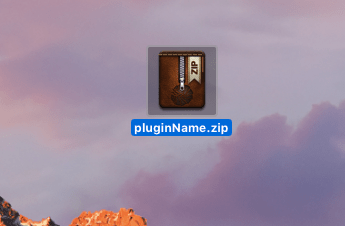
Upload it to Kleeja
From the Plugins page of the Kleeja Admin Panel, click on the Upload from your computer button and choose the plugin archive file.
Enable the plugin
After uploading the plugin file, the plugin appears in the available plugins section. Click on the enable button in front of its name.

Congratulations, you installed and enabled a plugin.
During the plugin installation, a page with after-installation notes appears. Make sure you read it and follow any instructions shown there.
If the plugin has extra options, they appear on the settings page or as a separate side menu item.