
Guides
Install Styles
Change the look of your upload center by installing a style from the Kleeja Admin Panel.
Installing a style on Kleeja is easy and effortless. This article works for both old and recent versions of Kleeja.
Find a style for Kleeja
After finding a style that you like, download it to your computer.
Style file format: a style comes as a
zip archive file.
Upload it to Kleeja
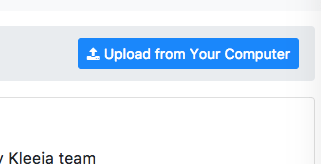
From the Kleeja Admin Panel, go to the Styles page, then click on the upload from your computer button.
If you cannot upload the style from within the Admin Panel, upload it using FTP.
Set it as default
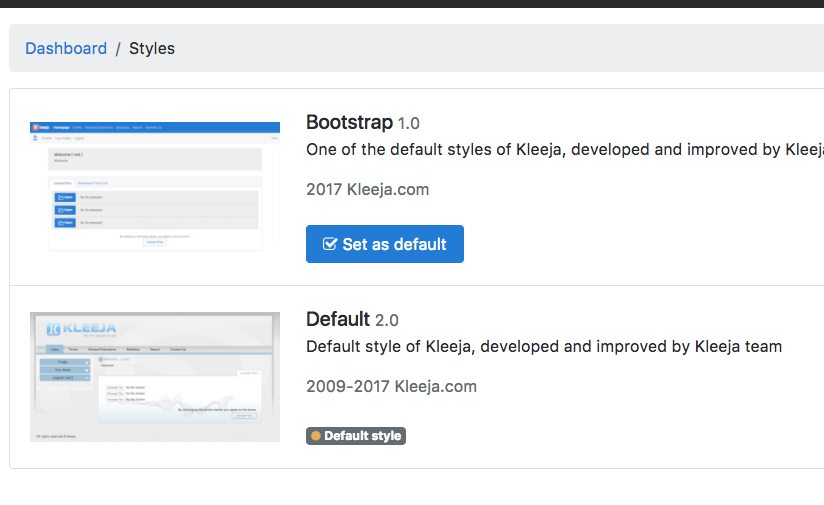
After uploading the style, you can set it as the default style from the Styles page in the Kleeja Admin Panel.
If you did the steps correctly, you will find the style listed there with a set as default option.